Campaign Video Ideas for Wisconsin Candidates
A good campaign video does one thing, it makes a stranger feel like they know you. The camera, the budget and the fancy edit come second to that.
 Tony RuffiPublished Updated 10 min read
 Add as a preferred source on Google
This article gives you seven video ideas for a Wisconsin race and how long each should run. It also covers how to shoot them without a big crew and what the law asks of a video ad. By the end of it, you'll have a plan for your first week.
In this article
Which campaign videos should a Wisconsin candidate make first?
Start with a launch video, then a short bio video, then a few quick voice videos for social media. Those three do the most work for the least money. They tell voters who you are, what you want and why they should care, and you can use them on your website, in email and in ads.
- Make the launch video first, and post it on the day you announce.
- Keep every video to one idea. Two ideas means two videos.
- Plan for people watching with the sound off, so add captions.
- Clean sound beats a fancy camera.
- A video that urges a vote needs a "Paid for by" line on screen for at least four seconds.
- Post each video on your website first, then push it out everywhere else.
Here's how the main types compare, so you can pick what fits your race and your budget.
| Video | Good length | Where it runs | Its job |
|---|---|---|---|
| Launch | 1 to 2 minutes | Website, social, email | Say who you are and why you're running |
| Bio | 1 to 2 minutes | Website, social | Let voters get to know you as a person |
| Issue | 30 to 60 seconds | Social, ads | Show where you stand on one thing |
| Door-step or neighbor | 15 to 45 seconds | Social | Show you listening in person |
| Endorsement | 30 to 60 seconds | Social, email | Let a trusted person vouch for you |
| Ad (TV or streaming) | 30 seconds | TV, streaming, paid social | Reach people who don't follow you yet |
| Get-out-the-vote | 15 to 30 seconds | Social, email, text links | Tell people when and how to vote |
This is a starting point, not a rule. A small race might only need three of these, and that's fine. Voters will remember one clear video before they remember five blurry ones.
What goes in a campaign launch video?
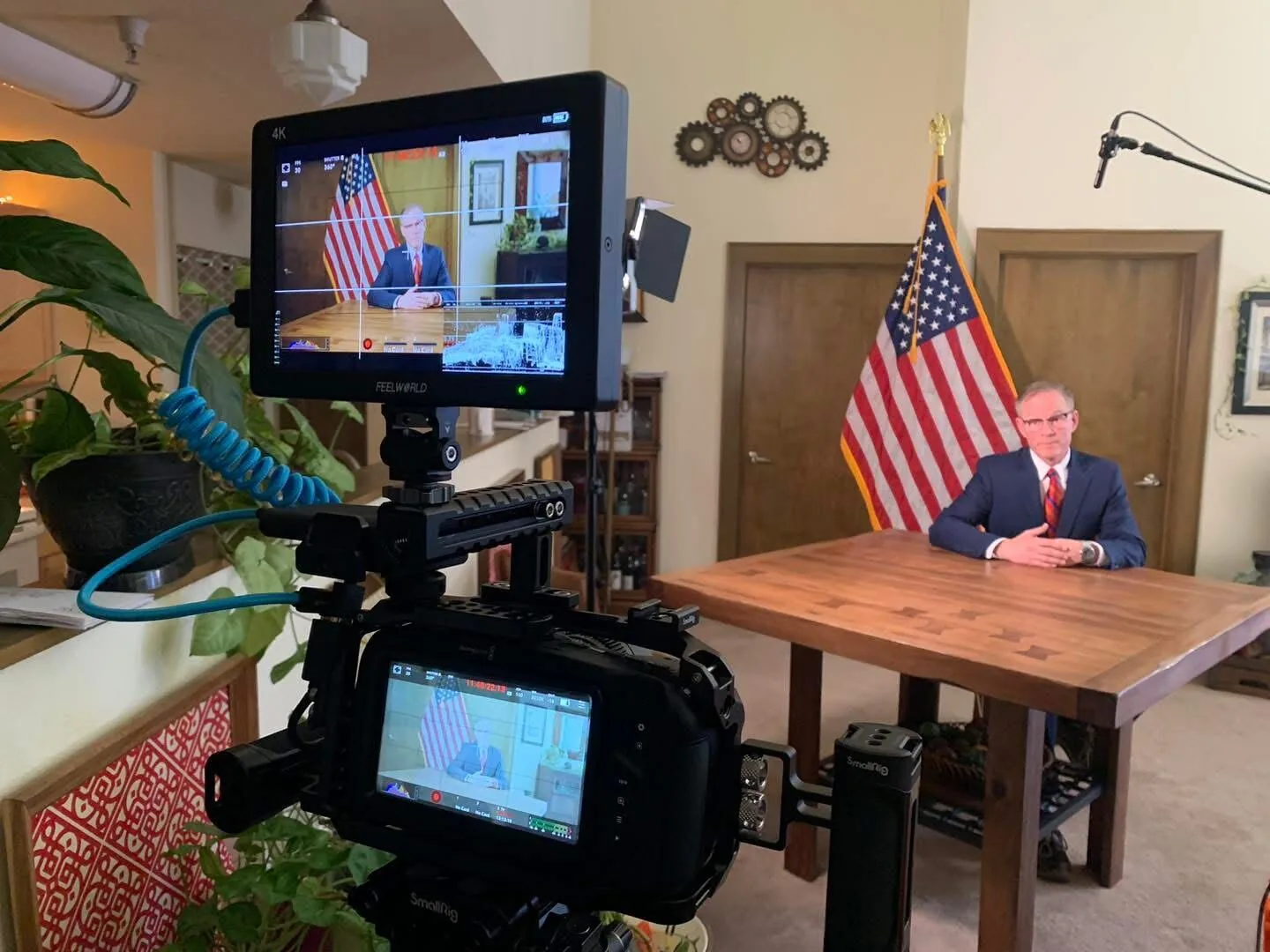
A launch video has four parts: who you are, the office you want, why you're running and one thing you'll do. Say it in your own words, in about a minute. Then tell people where to go next, such as your website. Keep it plain, like you're talking to a neighbor at the fence.
Here's the order we use:
- Open with your name and the office. Say it in the first ten seconds.
- Say where you're from. One true detail beats a long life story.
- Say why you're running. Use the same words you'll use at the door.
- Name one thing you'll work on. Not five. One.
- Tell people what to do next. Point them to your site, or ask them to sign up.
A launch video also sets your look. The colors, the words and the way you talk should match your signs and your slogan, because voters need to see the same person everywhere.
How long should a campaign video be?
It depends on where it plays. A social video should run 15 to 60 seconds. A TV or streaming ad is usually 30 seconds. A launch or bio video can run one to two minutes, because the people watching chose to click on it. Cut anything that doesn't help a voter know you.
Why does that matter? Easy. A voter scrolling on a phone gives you a second or two before they decide to stay. Put the best part first, say it fast and add captions so it works with the sound off. If a video needs a long warm-up, the warm-up is the part to cut.
What are seven campaign video ideas that work?
These seven work for a first-time candidate and for a veteran. You don't need all of them. Pick the ones that fit your race, and make each one about one thing.
- The launch video. Who you are, what you want and why. This is your front door.
- The bio video. Your story in your voice, with a few real photos or short clips. Skip the stock music montage and let a person talk.
- The one-issue video. Pick the one issue voters bring up most at the door, and say where you stand in 30 to 45 seconds.
- The "what I heard" video. After a week of door knocking, tell voters what you heard and what you'll do about it. It proves you listened.
- The neighbor video. A short clip of a real person, in their own words, saying why they're backing you. Get their OK to post it first.
- The meeting-night video. Film a clip at a public meeting you attended, so voters see you've already shown up.
- The vote-day video. A 15 to 30 second reminder of the date, the hours and where to vote. Post it in the last week.
Pair these with your campaign website. Each video should live on a page you own, so the story stays yours and doesn't depend on a social media site. Make sure the domain name is in your name, never in a builder's or a friend's, so no one else can take it away.
How do you shoot a good campaign video on a small budget?
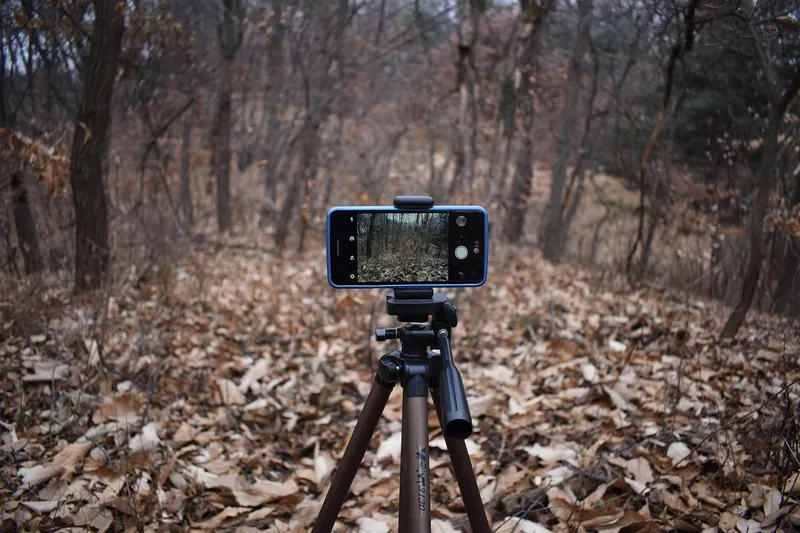
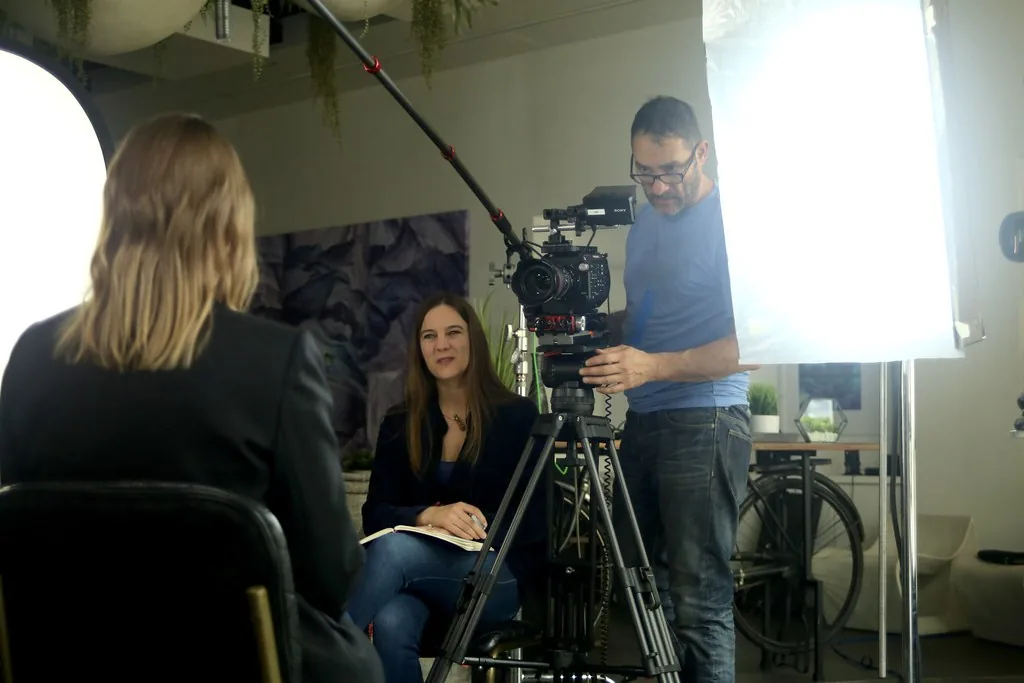
Use good light, clean sound and a steady camera, in that order. A phone on a tripod, a window for light and a small microphone clipped to your shirt can carry a simple message video. Plan the shot list first, so you shoot only what you will use. Save the hired crew for the big ones.
Here's the short list we go through before a shoot:
- Pick a quiet place. Echo, wind and traffic ruin sound. Sound matters more than the picture.
- Face a window, not away from it. Soft light on your face looks better than any lamp.
- Write the script, then say it out loud. If it sounds stiff, change the words until it sounds like you.
- Shoot a little extra of the place and the people. Short clips of a street, a meeting room or a handshake are called B-roll, which just means extra footage you lay over your voice.
- Hold the phone sideways for the website and straight up for social. Or shoot both.
- Add captions. Many people watch with the sound off, so the words need to be on screen.
- Keep the signs and the "Paid for by" line in mind before you shoot, because the line has to be built into any video ad.
A shot list is just a written plan of every clip you need. Twenty minutes with a notebook saves hours on shoot day, because every extra setup costs time and money.
What can one short video do for a race?
It can get you noticed fast when your name is new. In March 2014, Joni Ernst ran a TV ad in the Iowa Senate primary. She talked about growing up on a farm and ended with a pledge to "make 'em squeal" in Washington. It got national news coverage, and she went on to win the seat.
Her ad worked because it was true, it was short and it was about her. You could picture her after 30 seconds. That's the bar for your video too.
We've seen small races turn on being known. Doug Diny won a 2024 mayor race with 52% of the vote against the sitting mayor, and he was outspent. Money helps, but a candidate who is clear and known can close a big gap.
If everyone in your race is on social media, a short commercial on TV or streaming can make you stand out. If everyone is running TV, a good email list or a simple video series may be your opening. Look at what your opponents are not doing, and do that well.
What does Wisconsin law ask of a campaign video ad?
A video ad that urges a vote and is paid for by your campaign generally needs a "Paid for by" line with the name of your campaign committee, which is the group that handles your money. It has to show on screen for at least four seconds. If AI made any part of the audio or video, the law asks for a written label too. Confirm the details before you air anything.
Here's what we found when we read the rules this week. Both come from Wis. Stat. § 11.1303 and the Ethics Commission's rule, ETH 1.96:
- "Paid for by." For a candidate's committee, the words are "Paid for by" followed by the committee's name. On video, the line has to stay visible for at least four seconds.
- AI labels. Say a video urges a vote, or takes a side on a referendum, which is a question put straight to voters. If it has AI-made audio or video, a written label has to be on screen while the AI part plays. Doing it on purpose can cost up to $1,000 each time.
- Small online ads. Some small online ads have limits on what fits. Don't guess, ask the Commission.
Our longer article on Wisconsin "paid for by" rules covers the wording, the size of the text and what's left out. This is a quick overview, not legal advice.
What do campaigns get wrong with video?
They try to say too much, they skip the sound check and they never push the video out after posting it. Those three show up again and again. A video that sits on one page and gets no push will not be seen, no matter how well it was shot.
The biggest slip we see from a first-time candidate is the voice. The moment the camera turns on, almost everyone slides into a radio announcer voice, like Clark Kent stepping into a phone booth and coming out as Superman. They think they have to sound like a movie star.
They don't. What voters vote for is someone real. The candidates who tend to win are the ones being themselves. People want to meet you in person and think, "that's someone I'd want to hang out with." If the person in the ad sounds nothing like the person at the door, trust drops fast. So talk the way you would at breakfast, at lunch or in line at the bank. Your everyday voice is the one that builds trust.
A few more slips we see:
- Reading from a page. Voters can tell. Know your points, then talk.
- Bad sound. A voice that echoes or cuts out loses people fast.
- A long intro. Voters don't wait. Start with the point.
- No captions. If the sound is off, the video says nothing.
- Forgetting the line. A video ad with no "Paid for by" line can cause real trouble, so build it in before the edit.
- Changing the look halfway. New colors and new words reset the count of times a voter has seen you.
Your first week of video
You can make real progress in five days, and you don't need a crew to start. Here's a plan you can follow, one step a day.
- Monday: write the launch video script, 150 words or fewer, and read it out loud twice.
- Tuesday: pick the spot, check the light and sound, and shoot three takes with your phone on a tripod.
- Wednesday: pick the best take, add captions and put your website link on screen at the end.
- Thursday: show it to five people who don't know your plan. Ask what you're running for and what you care about.
- Friday: post it on your website first, then share it on social media and send it in email.
If you plan to run it as a paid ad, add the "Paid for by" line before you post it. Then start planning the second video.
This article is general information, not legal advice. Laws and rules change, and platforms add their own. Before you run a video ad, check the requirements with the Wisconsin Ethics Commission, the Wisconsin Elections Commission and your filing officer, who is usually your clerk.
Want help with the script, the shoot or the edit? Our video team makes campaign commercials and social videos for candidates at every level, from school board to Congress & governor. Book a free consultation whenever you're ready. You can also read about beating an incumbent or browse more Video articles.
Video questions, answered
How long should a campaign video be?
Match the length to the job. A social video can run 15 to 60 seconds. A TV or streaming ad is usually 30 seconds. A launch or bio video can run one to two minutes, because the people watching it chose to click. Cut anything that doesn't help a voter know you, trust you or act.
Do you need a pro to make a campaign video?
Not for every video. A phone, a quiet room, good light and clear sound can carry a simple message video. A pro helps most with the big ones, like a launch video or a TV ad, where the script, sound and edit all show. Many campaigns shoot the simple ones themselves and hire out the big ones.
What should the first campaign video be?
Start with a launch video that says who you are, what office you want and why. Keep it short. It sets the story you will repeat on signs, mail and your website, so it should sound like you talking to a neighbor. Post it on the day you announce.
Does a campaign video need a "Paid for by" line in Wisconsin?
A video that urges a vote and is paid for by a campaign generally does. For a candidate's committee the words are "Paid for by" and the committee's name, shown on screen for at least four seconds. Small online ads have some limits on this. Check the details with the Wisconsin Ethics Commission before you post.
Do you have to label campaign videos made with AI in Wisconsin?
Yes, in many cases. If AI made part of the audio or video in a communication that urges a vote or takes a side on a referendum, state law asks for a written label on screen while the AI part plays. The wording depends on what the AI made. Intentional violations can cost up to $1,000 each.
Where should a campaign post its videos?
Post each video where your voters already are. Your website is the home base, so every video lives there first. Then share it on social media, send it in email and run the best ones as paid ads. A video that sits on one page and gets no push will not be seen.
Last updated . Fact-checked October 8, 2026 against Wis. Stat. § 11.1303 and Wis. Admin. Code ETH 1.96, read on docs.legis.wisconsin.gov.
- Wis. Stat. § 11.1303, Attribution of political contributions, disbursements and communications; synthetic media accessed Oct 8, 2026
- Wis. Admin. Code ETH 1.96, Attribution accessed Oct 8, 2026
- Wisconsin Ethics Commission, campaign finance accessed Oct 8, 2026
- UPI, Republican Senate hopeful touts experience castrating hogs in TV commercial (March 25, 2014) accessed Oct 8, 2026
- Joni Ernst, Wikipedia (2014 Iowa Senate race) accessed Oct 8, 2026