
The first & only client dashboard in political marketing.
We got tired of sending PDFs, so we built our own. Log in any morning of the cycle & see what your email, your website & the AI tools are doing for you, in plain English. Nobody else has one, & we're not licensing it.
- Plain-English summaryYour month written out, what moved & what's next.
- Email healthWarm-up inbox rate, live, plus list health before every send.
- Website trafficVisits, the 30-day trend & the pages doing the work.
- Heatmaps & replaysWhere voters click, how far they scroll, replays of real visits.
- AI presenceFifteen questions a week to the AI tools voters use. You see who they name.
- The ConciergeDeadlines, limits & district history, answered with the source. Drafts, never sends.
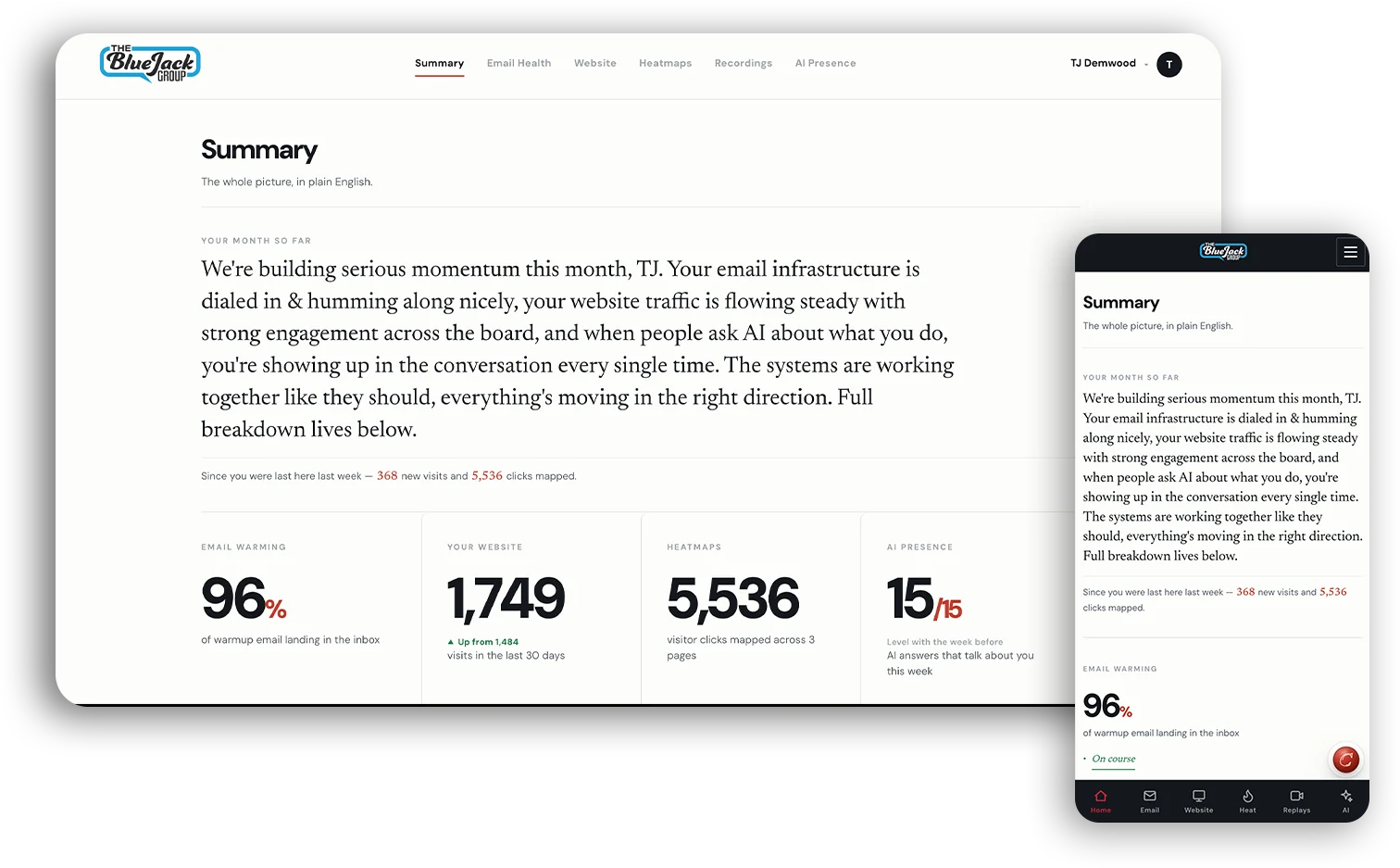
Your month, written out.
Every login opens with a plain-English read of the month: what moved, what didn't & what's next. No chart to decode before coffee. Where does it come from? Your live numbers, underneath every sentence, updated as the month goes.
“We're building serious momentum this month, TJ. Your email infrastructure is dialed in & humming along nicely, your website traffic is flowing steady with strong engagement across the board, and when people ask AI about what you do, you're showing up in the conversation every single time.”
From the demo account, September
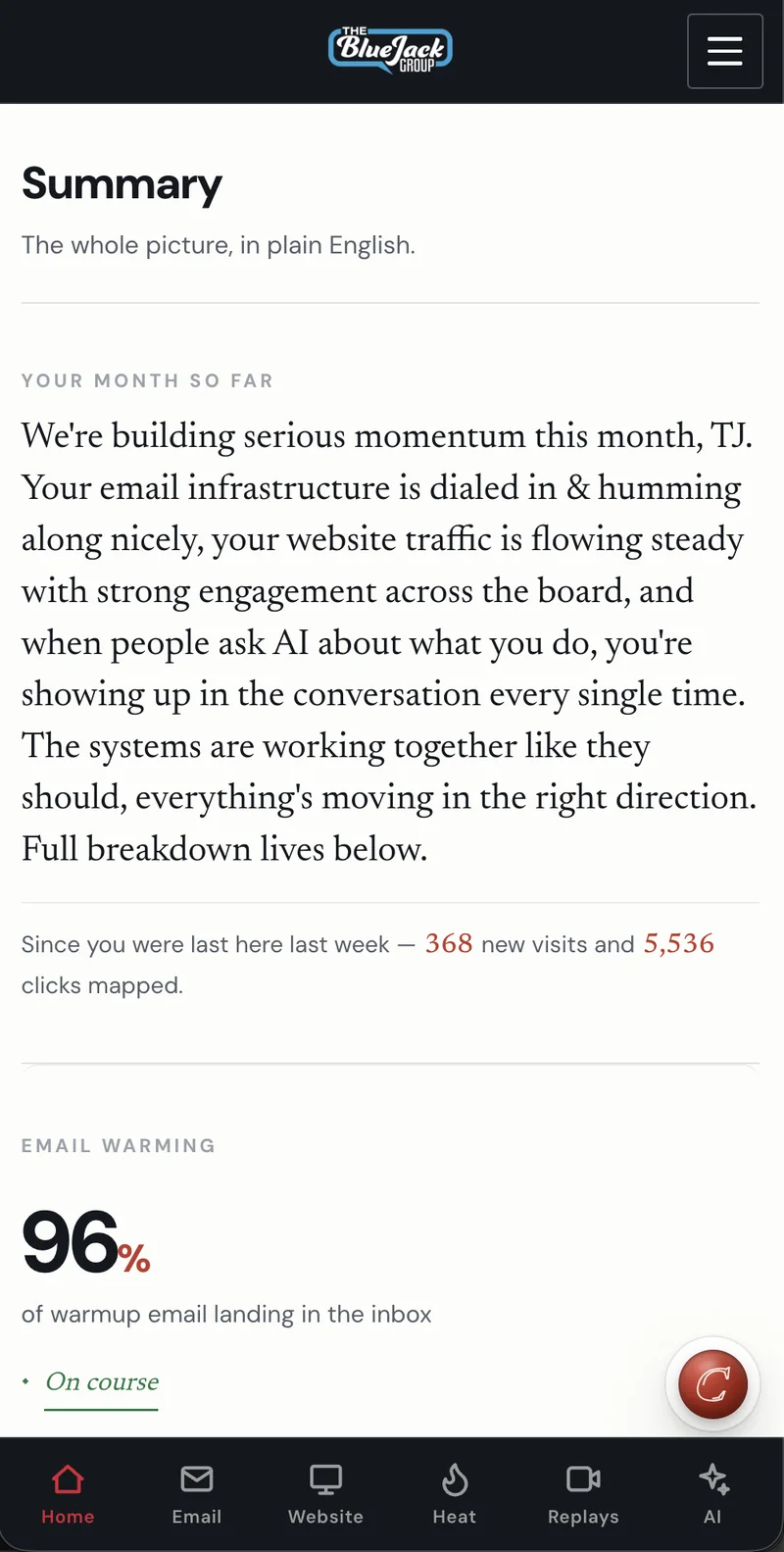
above the 85 we aim for
A credit score for your email.
Every day we send & receive real conversations from your mailboxes so inbox providers learn to trust you. You watch the score climb, the inbox rate hold & the spam rate fall, day by day. Before any big send, a list health report tells you what's safe to mail.

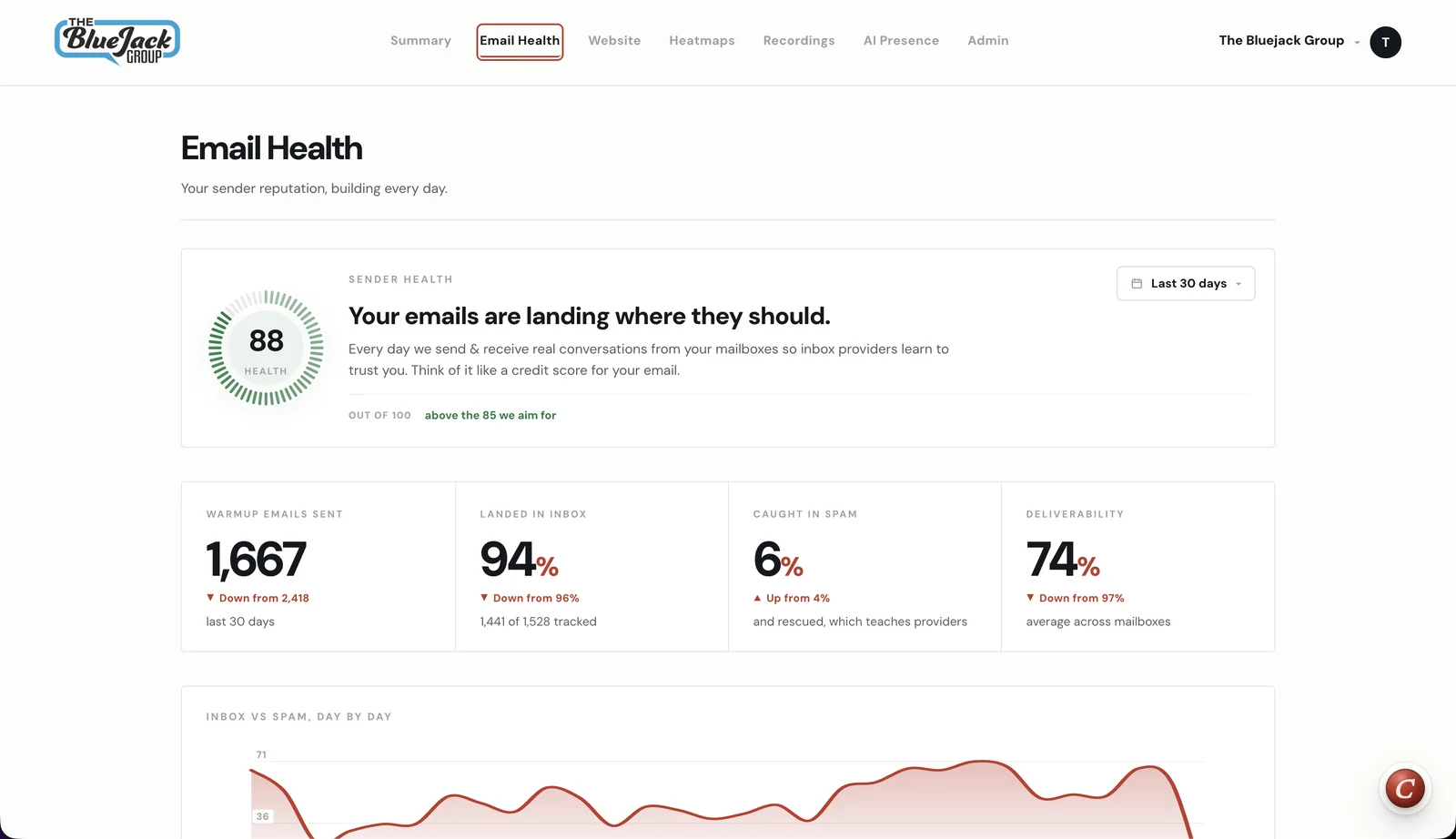
Real visitors, measured on your site.
Visits, people, time engaged & how many visits went smoothly, with the 30-day trend & which pages are doing the work. Measured on your own site by our snippet, not a report somebody else exported.
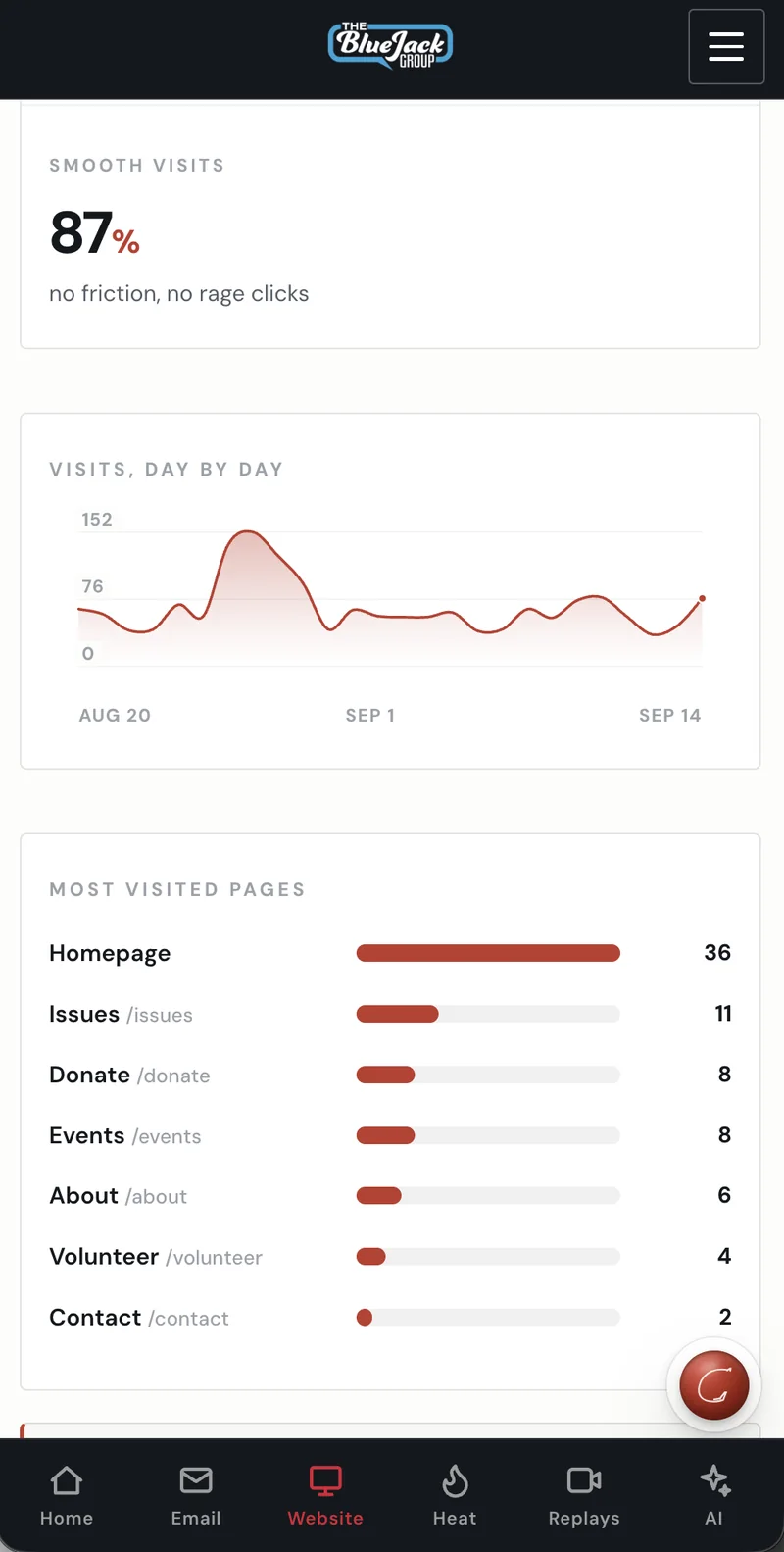
Where voters click, drawn on your real pages.
Real clicks from real visitors, laid over a screenshot of the actual page. Clicks, attention & scroll depth, desktop & phone. Each map comes with a written read of what it means & what to try next.
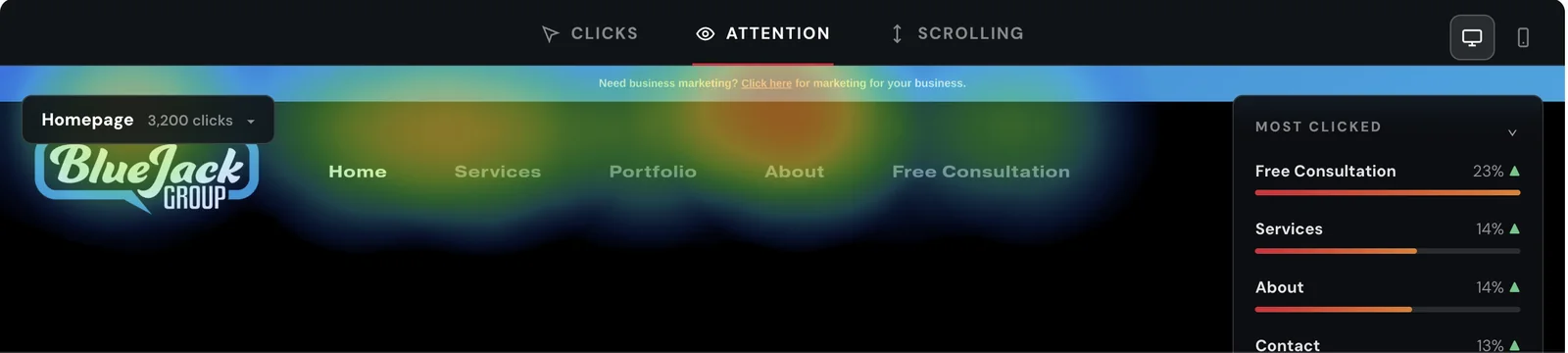
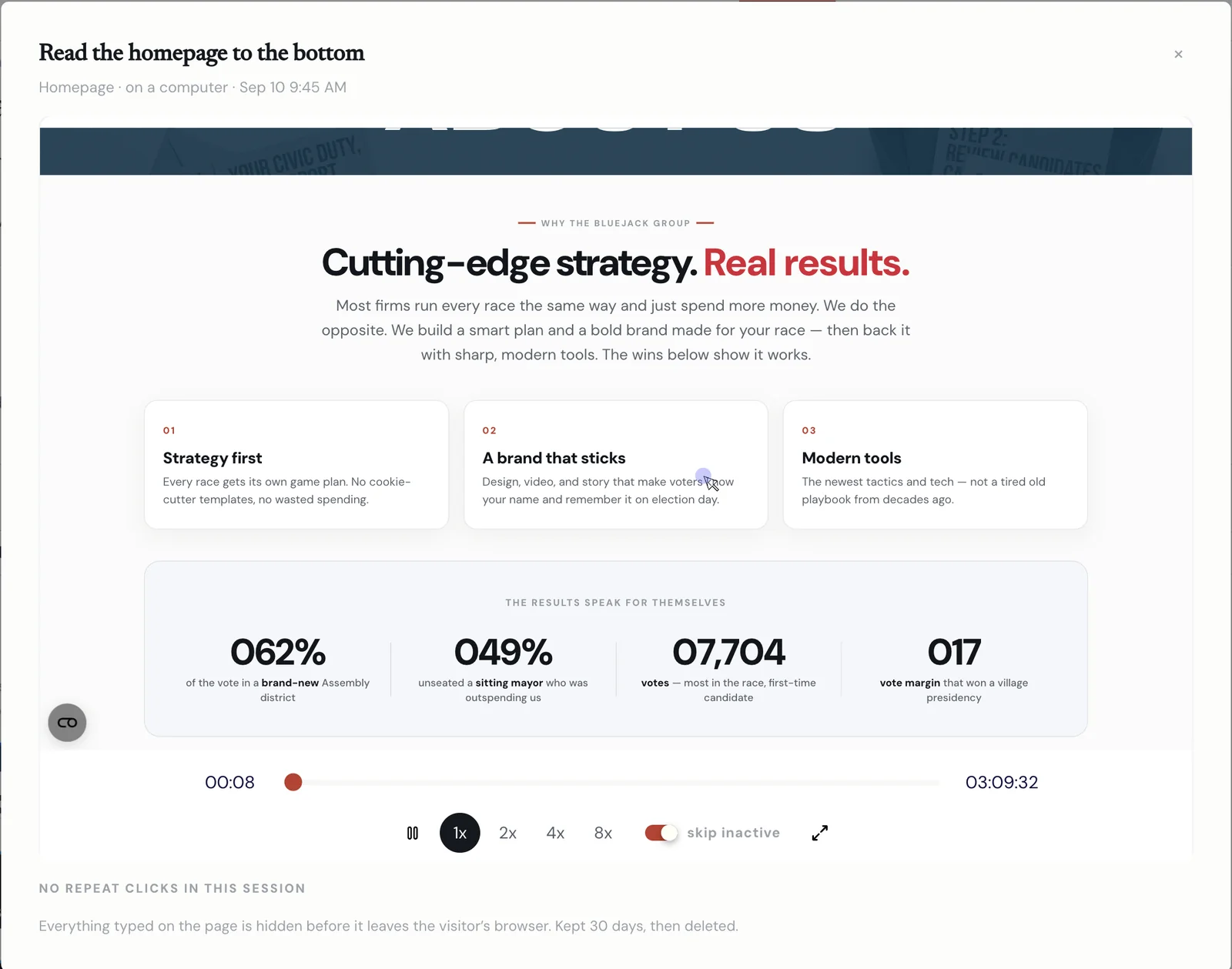
Watch a real visit, start to finish.
Every so often we save an anonymous replay of someone moving through your site. What they read, where they scrolled, where they gave up. Sorted so the visits worth your time are at the top.
Names, emails & anything typed into a form are hidden inside the visitor's browser & never reach us. Replays are kept 30 days, then deleted.
What AI tells people about you.
AI assistants are the new front door. Every week we put 15 questions to the 5 assistants voters actually use & show you which ones name you, what they say & what would move the score.
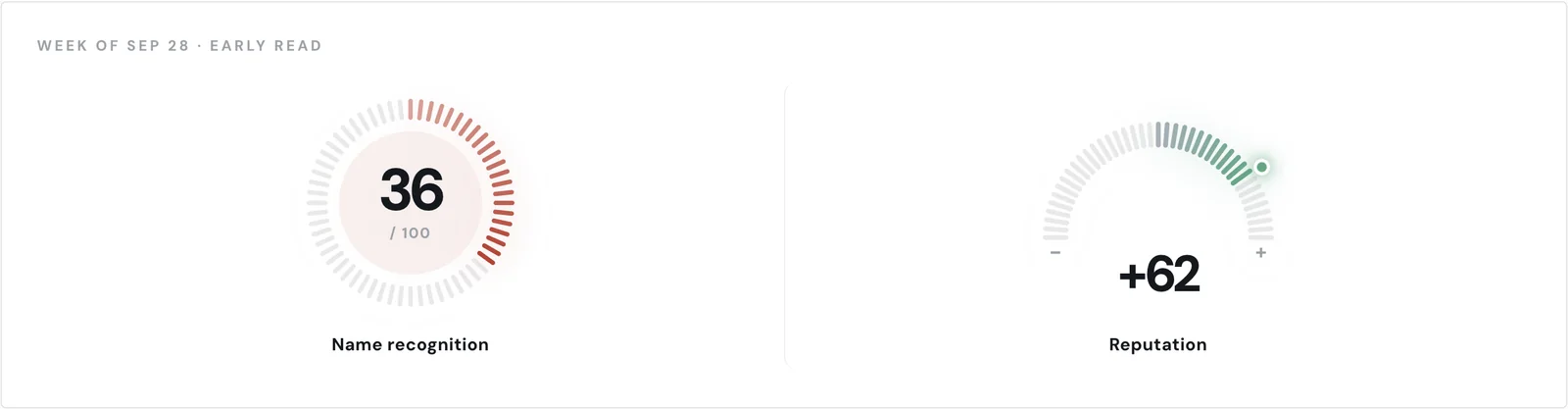
9 of 15 answers recommend TJ this week. All 15 mention him. Read all 15 in the demo
- ClaudeRecommended · 3 of 3
- ChatGPTRecommended · 3 of 3
- PerplexityRecommended · 3 of 3
- GeminiMentioned · 3 of 3
- GrokMentioned · 3 of 3
“Cites local reporting, endorsements & a narrow polling lead for TJ Demwood.”
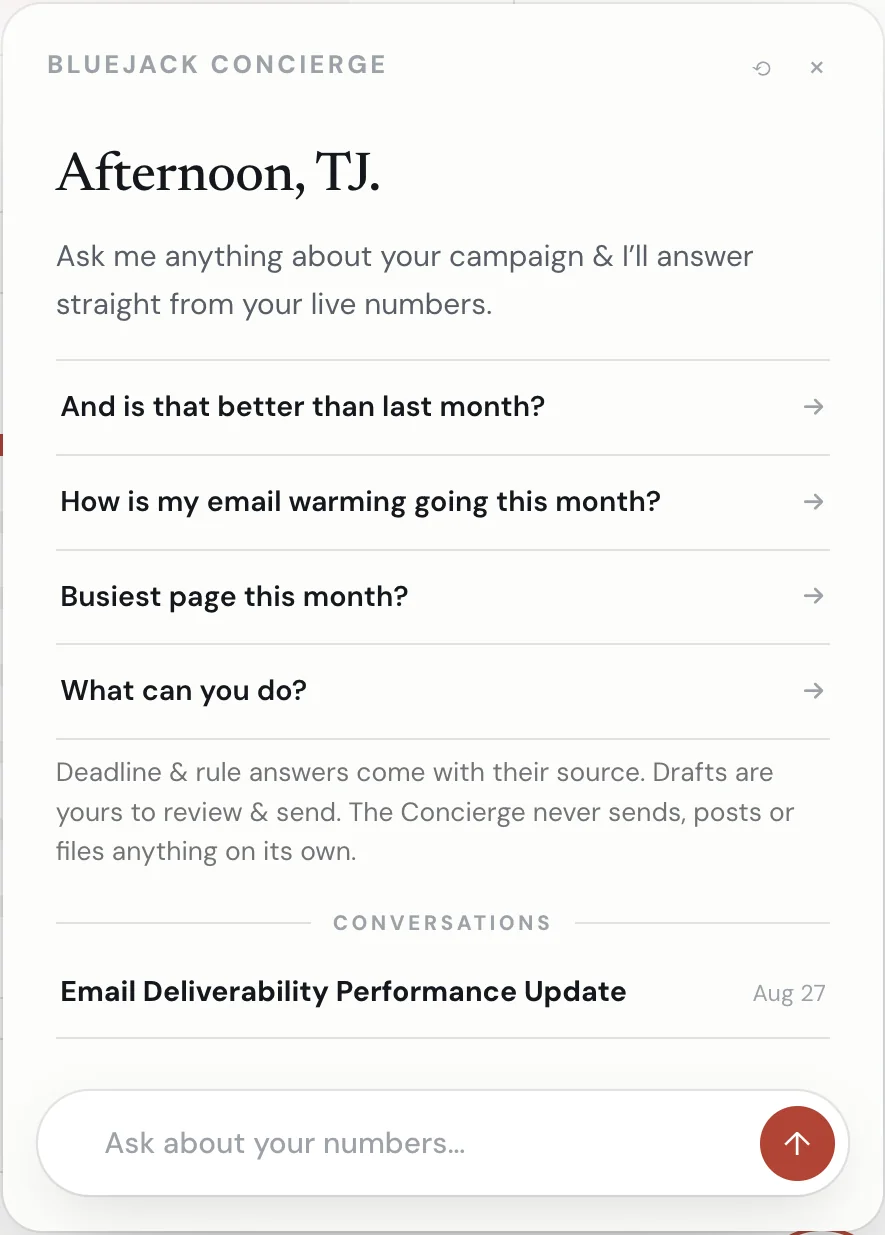
Ask it anything about your campaign.
A filing deadline, a contribution limit, how your district voted last time. It answers from your live numbers & the Wisconsin rulebook, with the source attached. Ask it to draft the fundraising email & it drafts. Ask what's due & it tells you the date.
- When is my next finance report due?
- How did my district vote last time?
- Draft a fundraising email
- Is my email warming better than last month?
Deadline & rule answers come with their source. Drafts are yours to review & send. The Concierge never sends, posts or files anything on its own.
Every client gets it.
From the day the work starts, not after the invoice. Thirty minutes about your campaign & we'll show you yours.
Book a free consultationAlready a client? Log in to your dashboard